
Drafts a reply
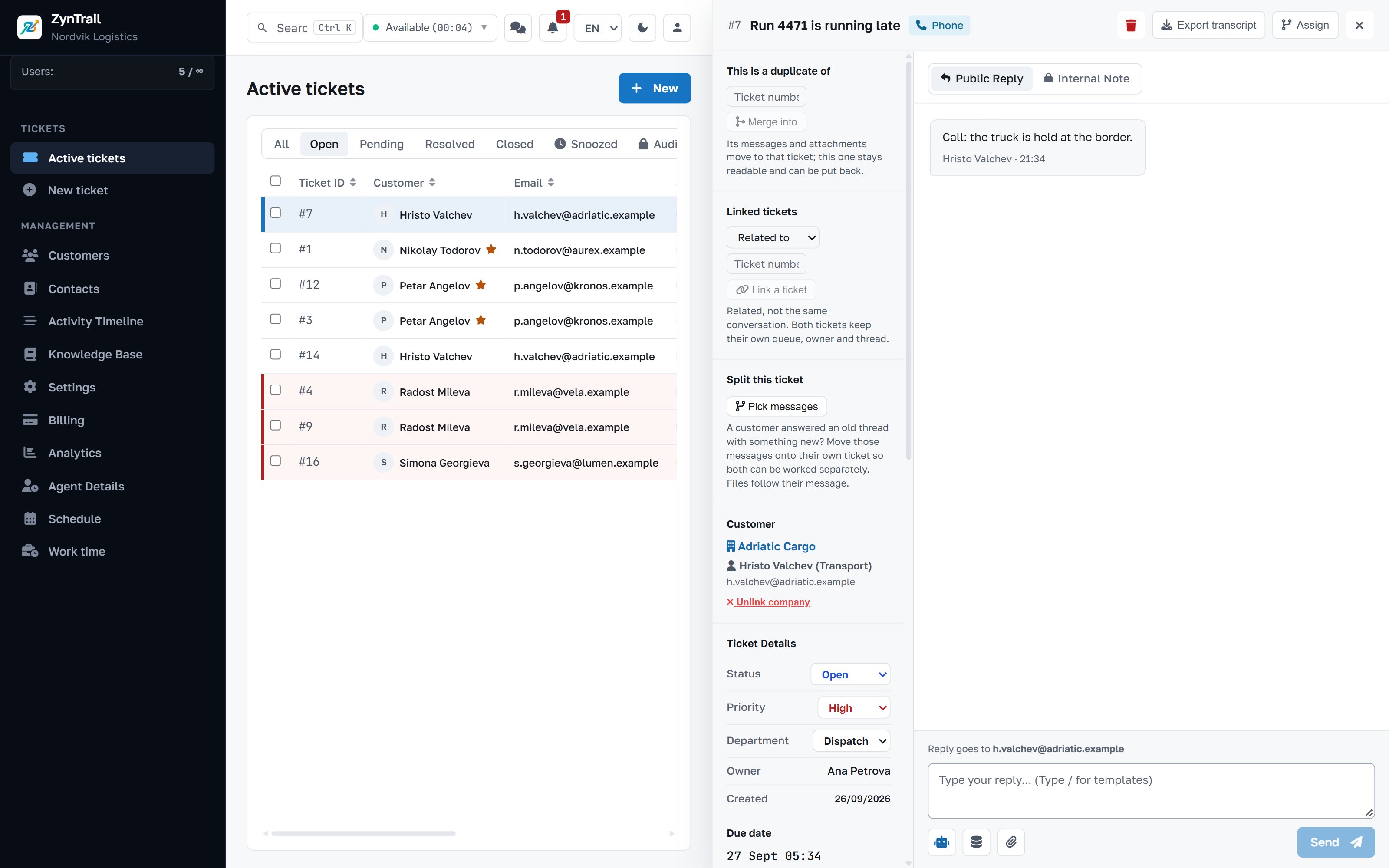
It reads the ticket and your documents and writes a reply in the customer's language, for the agent to check.
AI assistant
It answers from your delivery terms, your price list and your manuals. And when it does not know, it says so, instead of inventing something confident and wrong.
Included in the Pro and Enterprise plans.
First things first
This is the part teams expect to be hard, and it is not. The provider, the key and the model belong to the platform and follow your plan. There is nowhere to register, nothing to top up and no key to paste into a settings screen.
What stays yours: the switch that turns it off, the mode it works in, what it knows about your business and what it signs with.
What it does
It reads the ticket and your documents and writes a reply in the customer's language, for the agent to check.
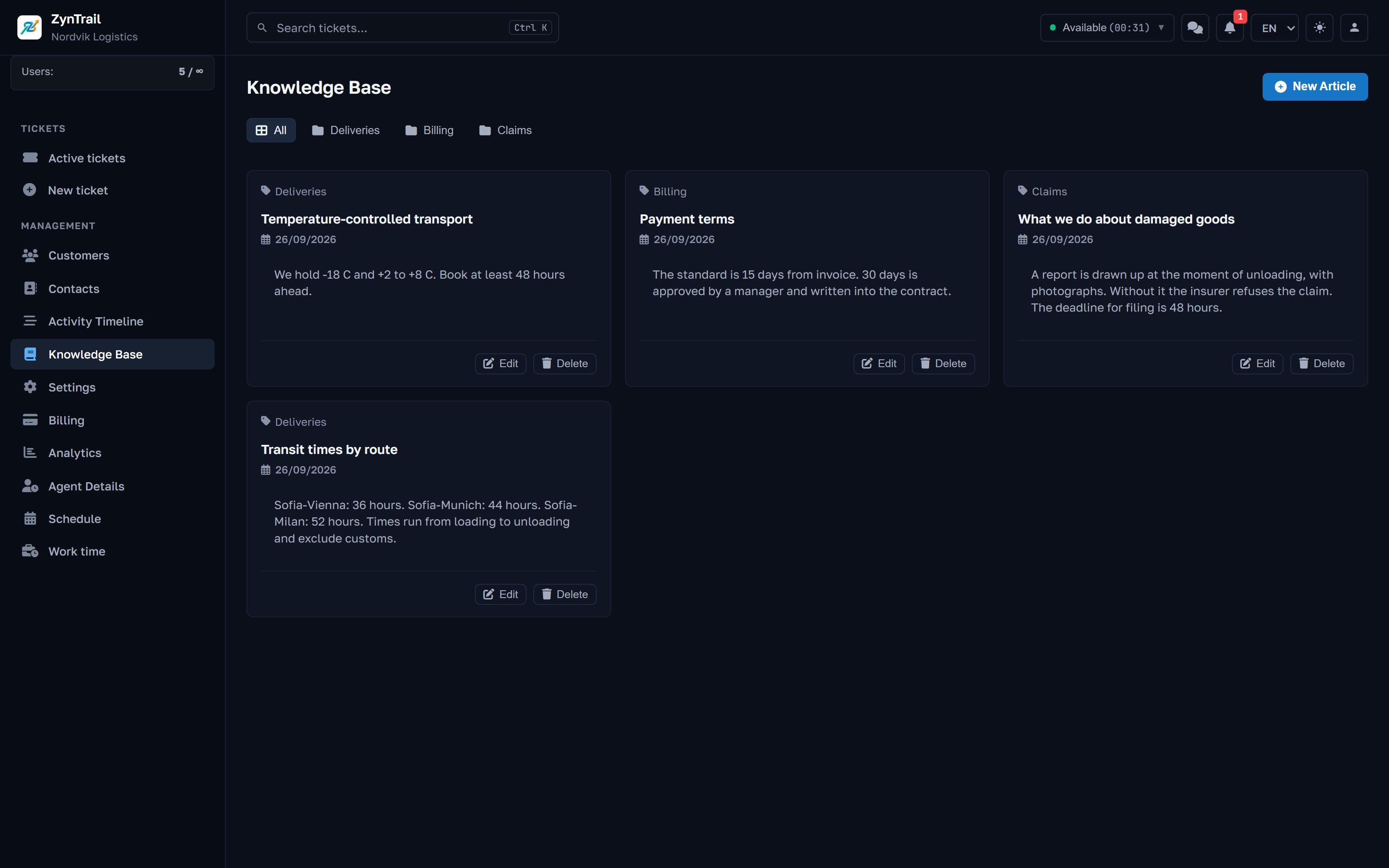
It searches the document vault and the knowledge base first and answers from what it finds. That is the difference between a useful assistant and a plausible one.
Let it answer on its own only outside business hours, or only at weekends, or never. The hours are yours.
A monthly limit measured in tokens. It is checked before every call, so the limit is a limit and not a surprise on the invoice.
Everything the assistant wrote is marked as its own, in the ticket and in the timeline. Nobody guesses whether a person wrote that sentence.
The company-level switch is yours and is checked before anything else.
What it reads
Articles the team writes for itself, and the documents in the vault: terms, price lists, manuals. They are searched before it answers. That is why it can state your delivery time rather than a plausible one.
It does not learn from your tickets in the background and does not search the internet. It knows what you gave it, plus a description of the company that you write yourself.
How it is set up
Said plainly
To write a reply, the assistant sends the text of the ticket and the relevant parts of your documents to the provider that comes with the plan. With OpenAI that includes an onward transfer to the United States under standard contractual clauses, which is a decision with legal weight, not only a technical one.
It is written in the data processing terms, not hidden. The assistant can be switched off entirely for your company. And if this matters to your customers, raise it at the demo. It changes which plan is sensible for you.
Questions about the assistant
Only if you set it up that way. In manual mode it writes and waits. In semi-automatic mode an agent approves before anything goes out. Automatic mode sends on its own, and only in the hours you allowed.
What you give it: the documents in the vault, the articles in the knowledge base and a description of your company that you write yourself. It does not learn from your tickets in the background and does not search the internet.
It stops writing and says why. Once the limit is reached no call goes to the provider, so there is no bill to surprise you.
Not on a standard plan. The provider and the model come with it, and that is exactly what makes the price predictable. If you have a specific requirement, say so: it can be set separately for your company.
Tell us how many people answer customers and which channels the enquiries arrive on. We will show you the same screens your team will work in, with your case rather than a demo script.
Every plan starts with 30 days of full access to the product, every feature included.